10 Best Gaming Gear Under 2000: The Ultimate Budget Setup (2025)
Building a killer gaming setup doesn’t have to cost a fortune. In fact, finding high-quality Gaming Gear Under 2000 has never been easier. Whether you just bought a new laptop or are upgrading an old desktop, the right accessories can instantly boost your aim, comfort, and immersion.
If you have already picked up one of the Best Gaming Laptops Under 40k, you might feel like your budget is tapped out. But don’t worry—we have scoured the market to find the best peripherals that deliver “Pro” performance without the premium price tag. From high-DPI mice to mechanical keyboards, here is everything you need.

Why Budget Gear is Getting Better
A few years ago, “budget” meant cheap plastic and poor performance. Today, brands like Redgear, Cosmic Byte, and Ant Esports are changing the game. They offer features that were once exclusive to expensive gear, such as mechanical switches, 7.1 surround sound, and programmable RGB lighting.
Investing in Gaming Gear Under 2000 allows you to have a complete, competitive setup for the price of a single premium accessory.
Top 10 Essential Gaming Gear Under 2000
Here is our curated list of the best accessories available in India right now.
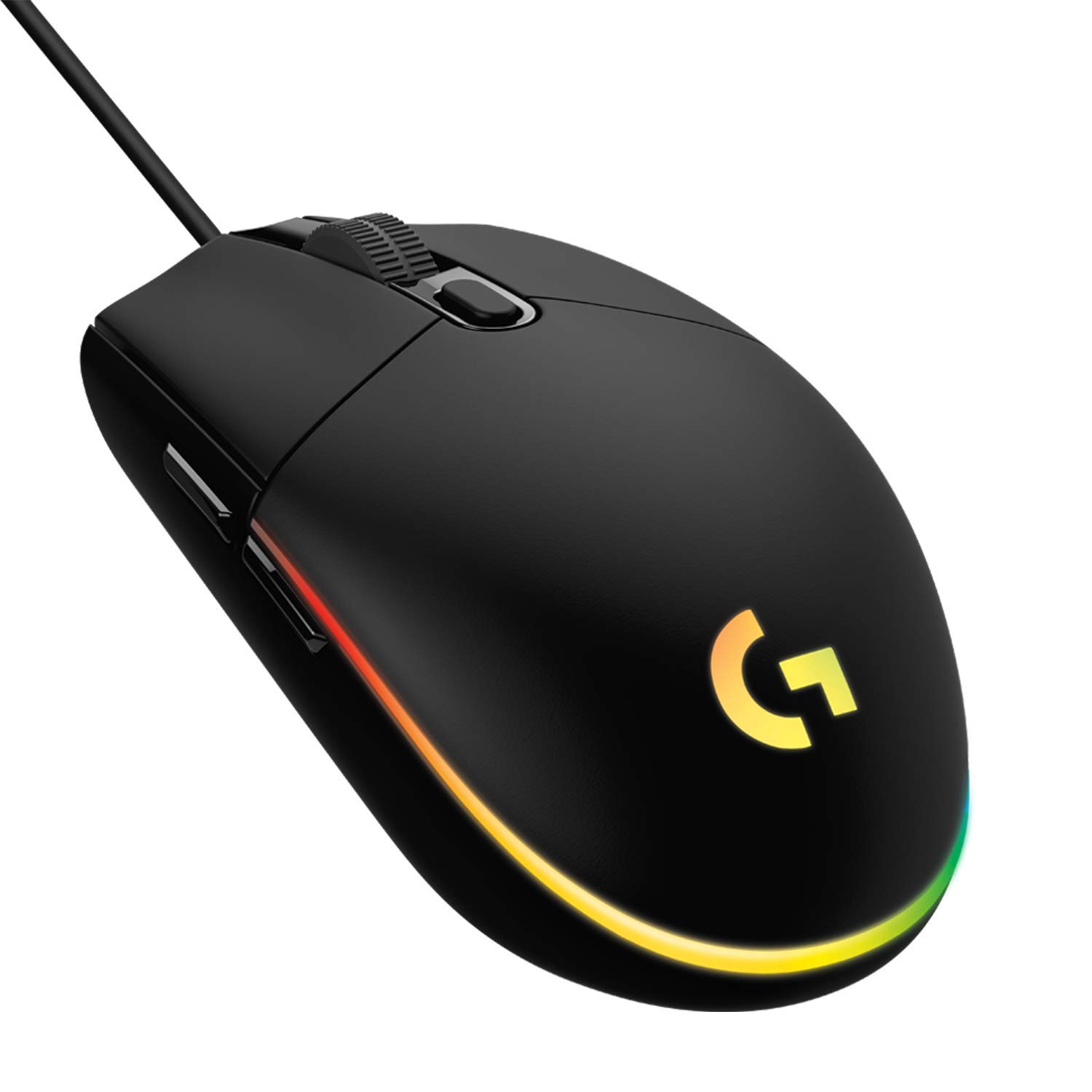
1. Mouse: Logitech G102 Light Sync
The Logitech G102 is widely regarded as the best budget gaming mouse on the planet. It features a classic 6-button design and the Mercury sensor, which is incredibly accurate for FPS games like Valorant.
-
DPI: Up to 8000
-
RGB: Fully customizable Light Sync
-
Why it wins: Reliable build quality and software support that beats generic brands.
Check Price and Availability Here
2. Keyboard: Ant Esports MK3400 Mechanical
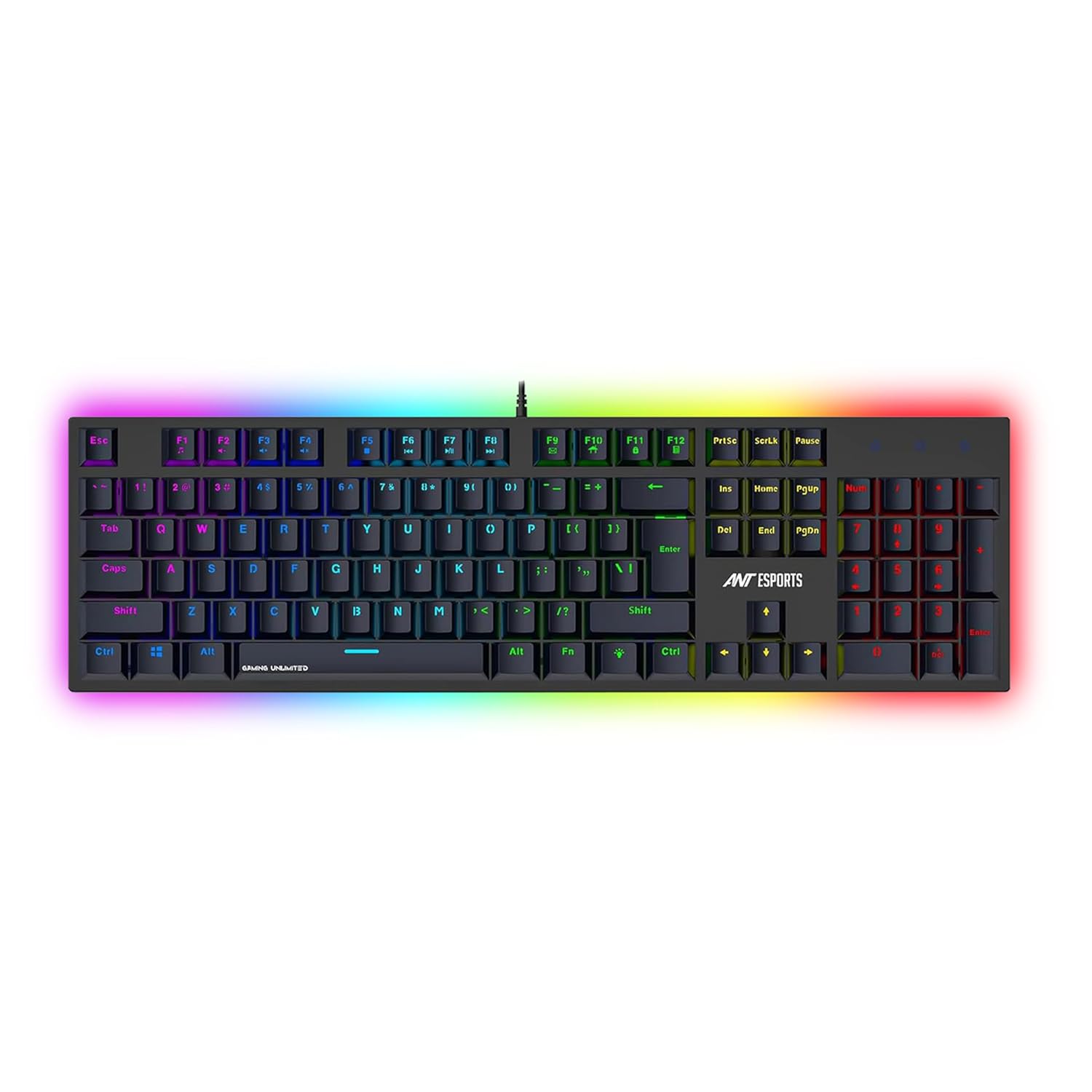
You don’t need to spend ₹5000 to get that satisfying “click.” This mechanical keyboard comes with real blue switches, offering tactile feedback that membrane keyboards can’t match.
-
Switches: Outemu Blue (Clicky)
-
Backlight: Multi-color LED
-
Why it wins: True mechanical feel for under ₹2000 is a steal.
Check Price and Availability Here
3. Headset: Redgear Cosmo 7.1
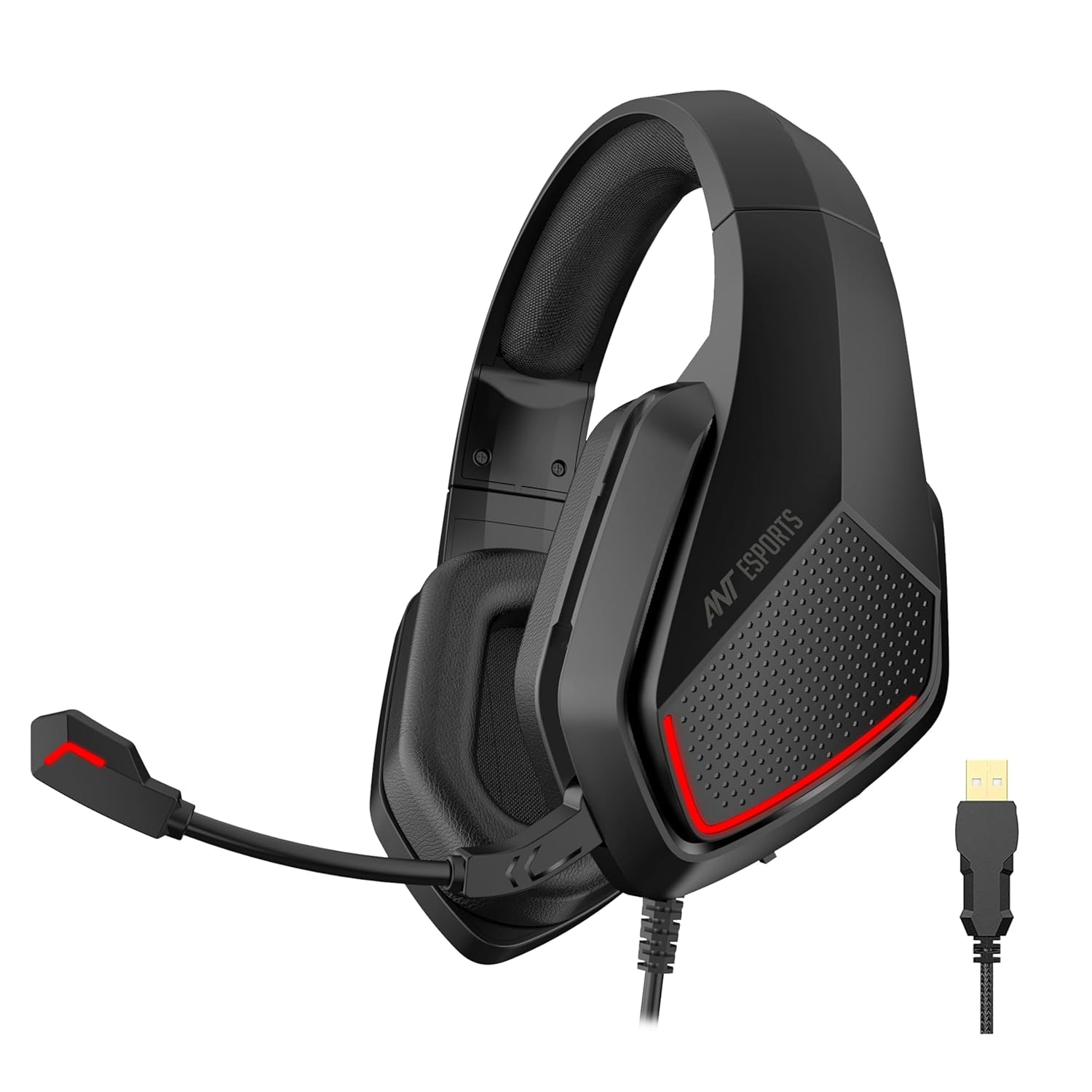
Audio is half the experience. The Redgear Cosmo provides virtual 7.1 surround sound, which is crucial for hearing enemy footsteps behind you. It also features a high-quality noise-canceling microphone.
-
Audio: 7.1 Virtual Surround
-
Comfort: Soft memory foam ear cups
-
Why it wins: Best-in-class microphone and immersion for the price.
Check Price and Availability Here
4. Gamepad: Redgear Pro Wireless
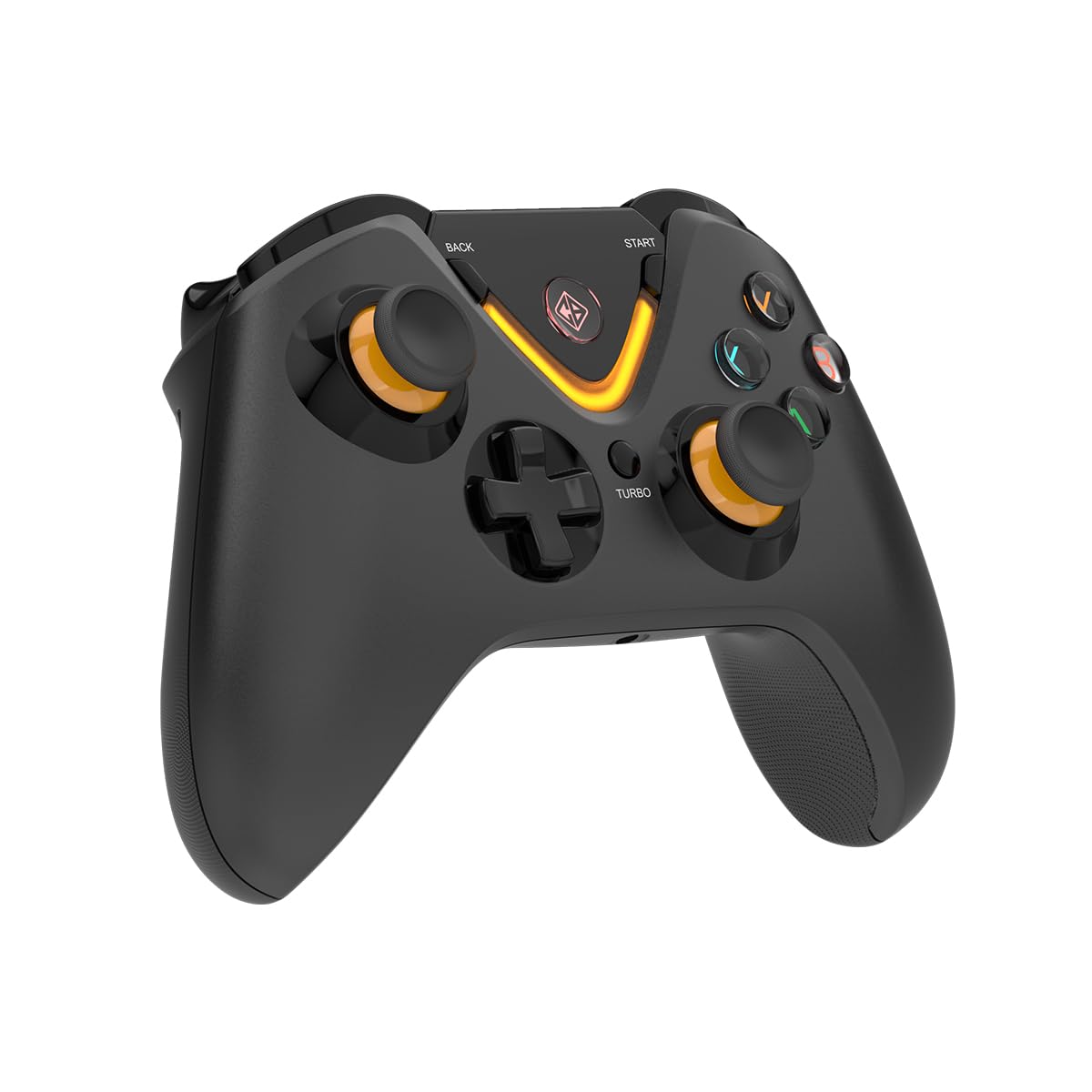
For racing games like Forza Horizon or RPGs like Elden Ring, a controller is essential. The Redgear Pro Wireless offers lag-free 2.4GHz connectivity and excellent haptic feedback (vibration).
-
Connectivity: Wireless (USB Dongle)
-
Battery: Up to 10 hours
-
Why it wins: Xbox-style layout and solid wireless range.
Check Price and Availability Here
5. Mousepad: Redgear MP80 Control Type
A good mouse is useless without a good surface. The MP80 is a “Control” type mat, meaning it has a textured surface that helps you stop your mouse precisely—perfect for sniping.
-
Size: Large extended options available
-
Surface: Textured cloth
-
Why it wins: Cheap, durable, and improves aim consistency.
Check Price and Availability Here
6. Laptop Stand: Portronics My Buddy K
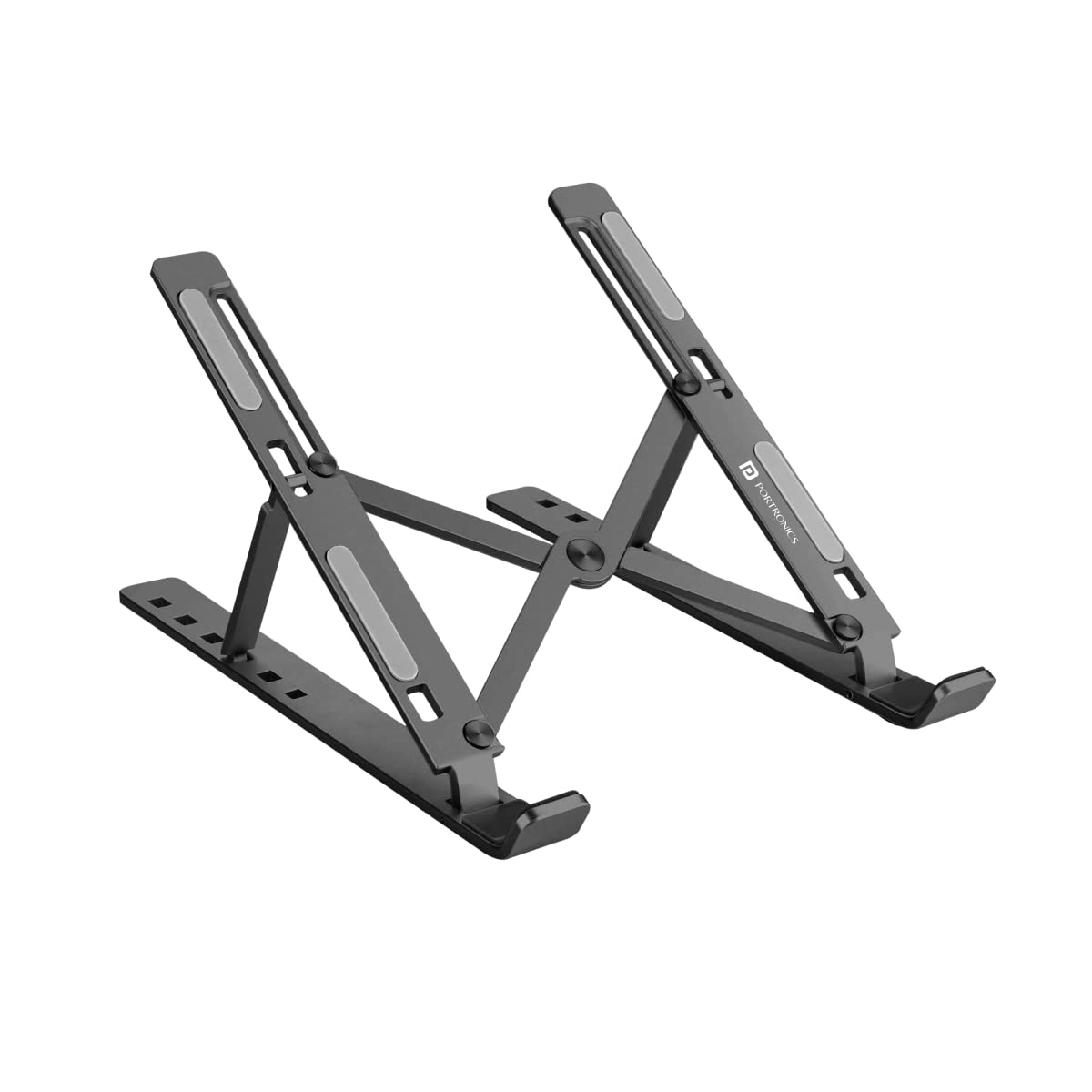
Gaming laptops can get hot. A simple aluminium stand lifts your laptop, improving airflow to the intake fans and keeping your screen at eye level to prevent neck strain.
-
Material: Aluminium / ABS Plastic
-
Adjustability: Multi-angle
-
Why it wins: Essential ergonomics that also boost laptop performance.
Check Price and Availability Here
7. Cooling Pad: Zinq Technologies 5-Fan
If a simple stand isn’t enough, go for active cooling. This pad features five fans to blast cool air directly into your laptop’s vents, preventing thermal throttling during long sessions.
-
Fans: 5 High-speed fans
-
Lighting: Red LED
-
Why it wins: drops temperatures by 4-5°C, keeping FPS stable.
Check Price and Availability Here
8. USB Hub: Portronics Mport 31C
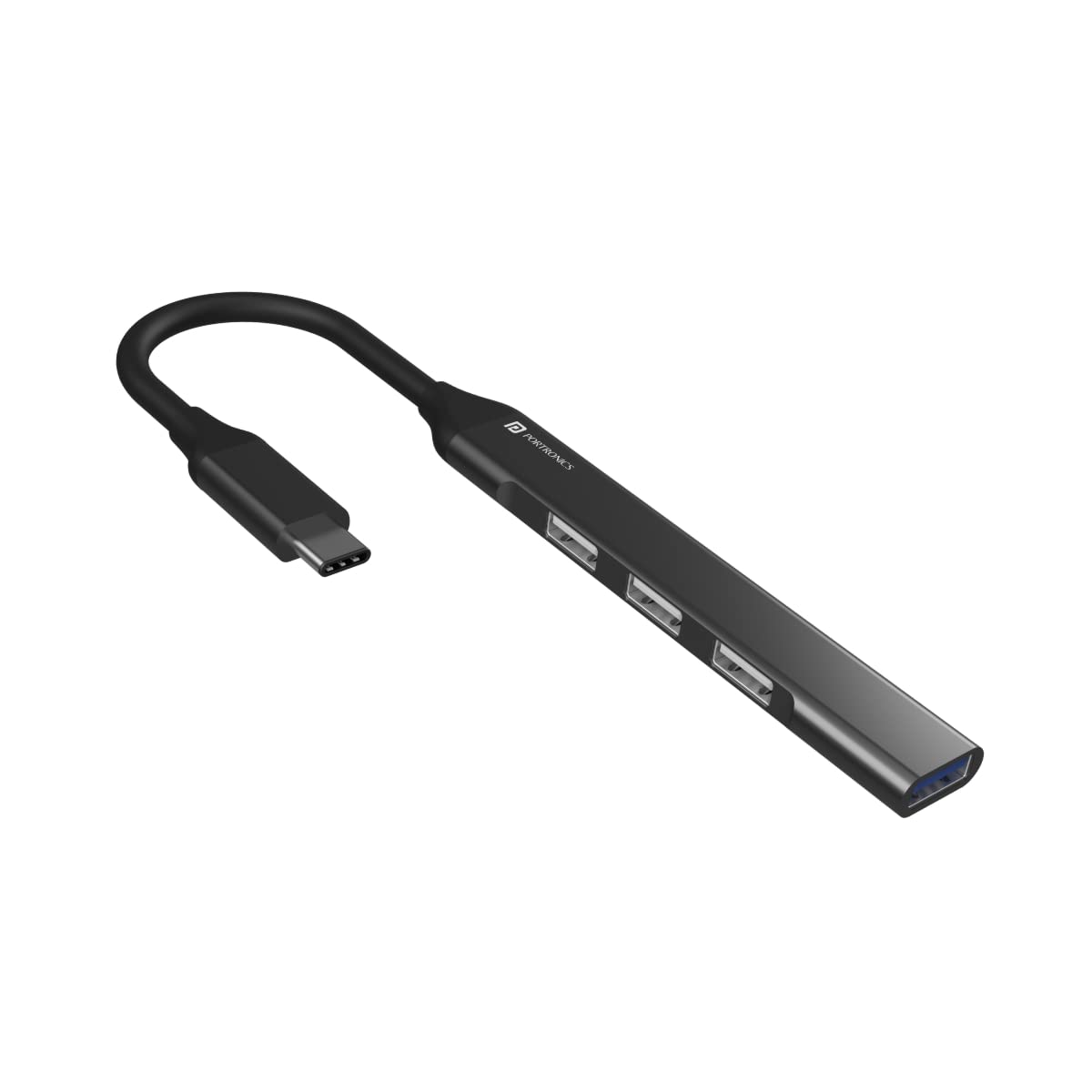
Budget gaming laptops often lack enough USB ports. A high-speed USB hub lets you connect your mouse, keyboard, and headset simultaneously without lag.
-
Ports: 4 USB-A ports
-
Speed: USB 3.0 support
-
Why it wins: Solves the “not enough ports” problem instantly.
Check Price and Availability Here
9. Ethernet Cable: Fedus Cat6 High Speed
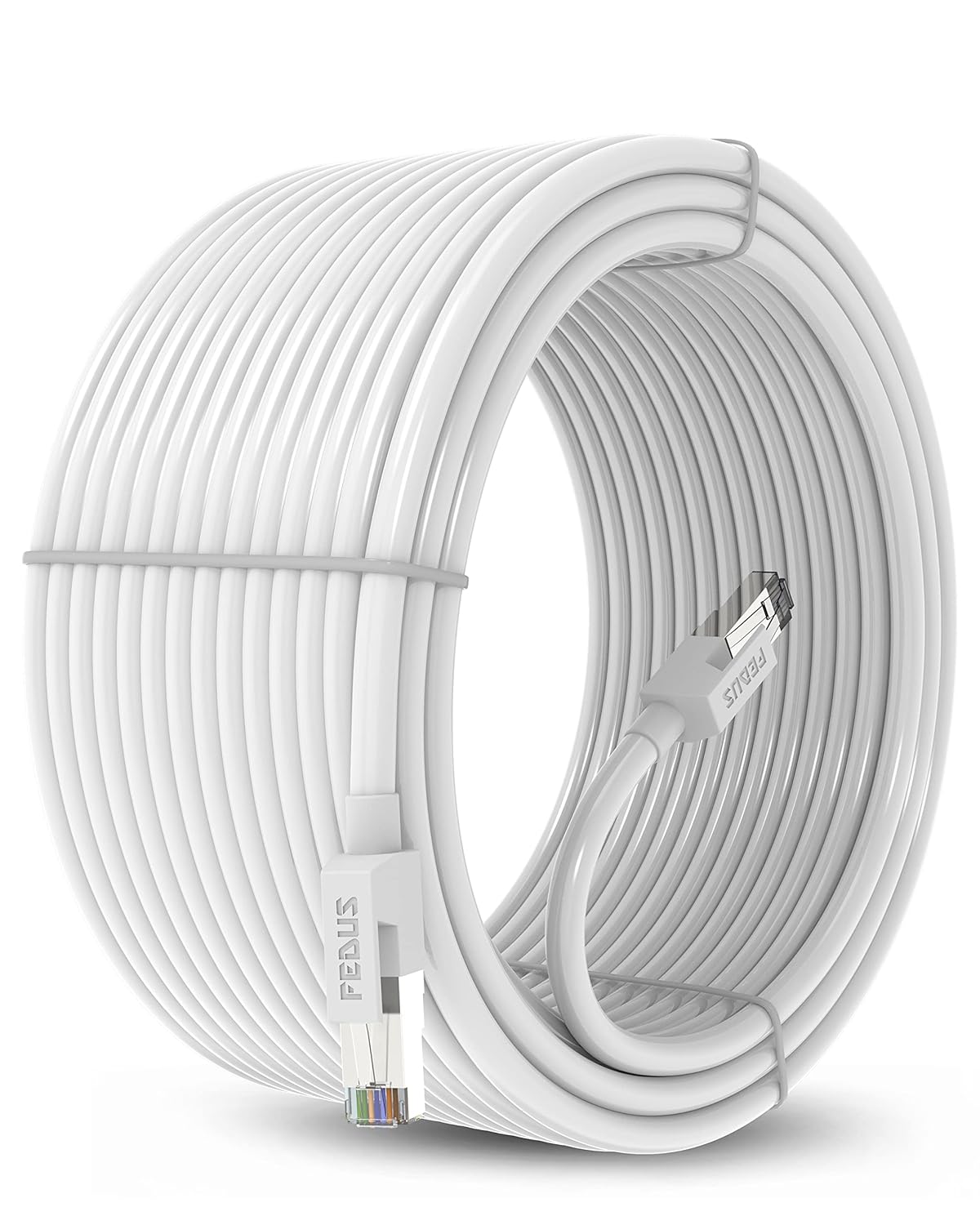
Wi-Fi is convenient, but for gaming, it is unstable. A wired CAT6 ethernet cable ensures you get the lowest possible ping and zero packet loss in online matches.
-
Length: 10 Meters (usually enough for most rooms)
-
Speed: Gigabit support
-
Why it wins: The cheapest way to instantly reduce lag.
Check Price and Availability Here
10. Maintenance: Lapcare 5-in-1 Cleaning Kit
Dust is the enemy of electronics. A simple cleaning kit with a brush, microfiber cloth, and fluid will keep your screen clear and your keyboard keys from getting sticky.
-
Includes: Brush, Cloth, Blower, Fluid
-
Why it wins: Keeps your setup looking fresh and performing well.
Check Price and Availability Here
[External Link: Read about Computer Ergonomics on Wikipedia to set up your desk correctly.]
Buying Guide: Building a Setup on a Budget
When shopping for Gaming Gear Under 2000, keep these three rules in mind:
-
Prioritize the “Big Three”: Spend the most on your Mouse, Keyboard, and Headset. These are the items you physically touch every second.
-
Wired is Better: At this price point, wireless gear can have latency (input lag). Wired mice and headsets generally offer better performance per rupee.
-
Check Warranty: Brands like Logitech and Redgear often offer 1-2 year warranties. Always save your invoice.
Avoid: Generic “gaming” gear found in local markets that flashes RGB but uses cheap office sensors. Stick to known budget brands.
Conclusion
You don’t need a celebrity budget to play like a pro. By carefully selecting the best Gaming Gear Under 2000, you can build a setup that is comfortable, responsive, and durable.
We recommend starting with the Logitech G102 mouse and Redgear Cosmo headset first, as these will give you the biggest immediate advantage in games. Happy Gaming!